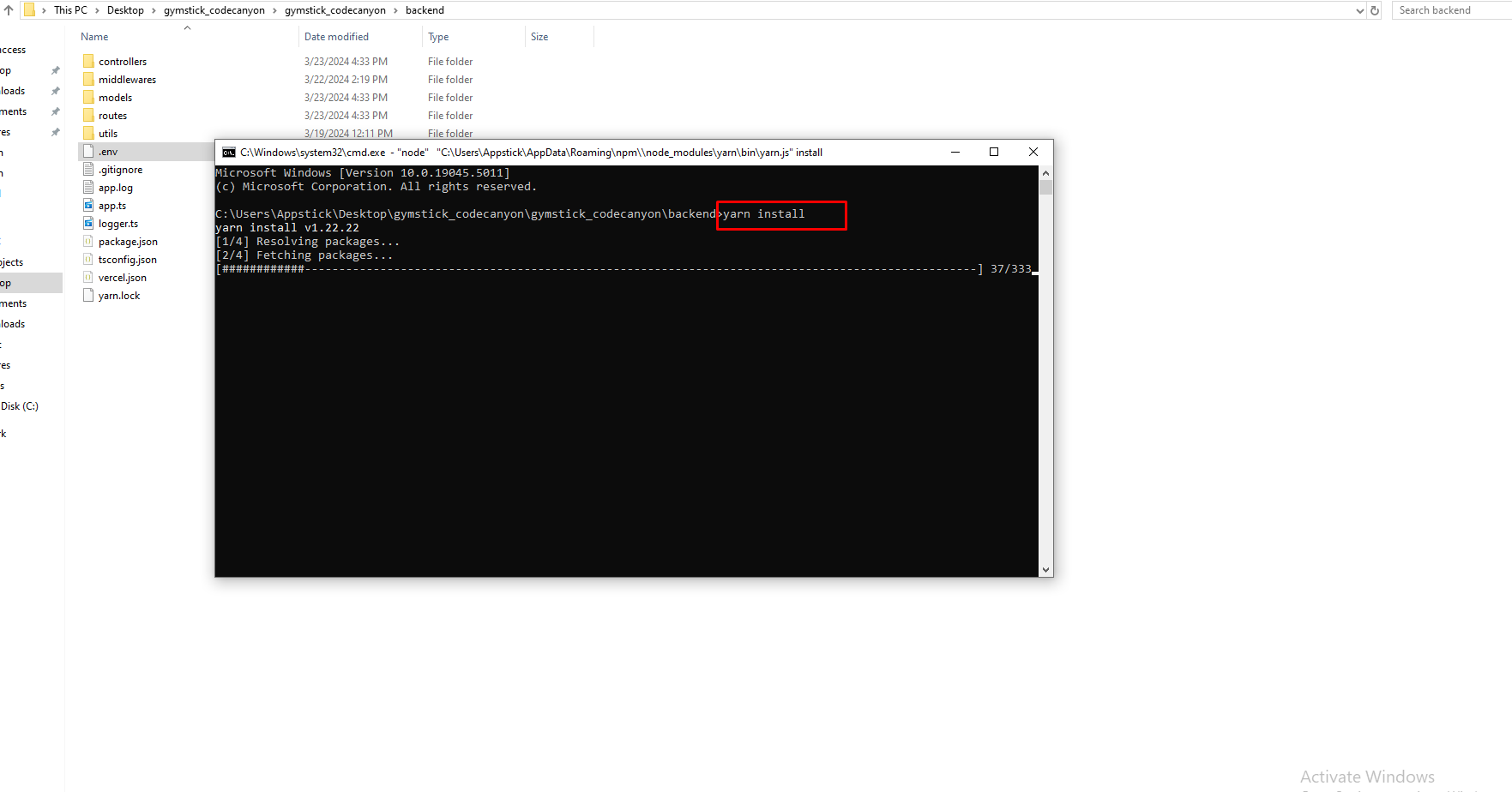
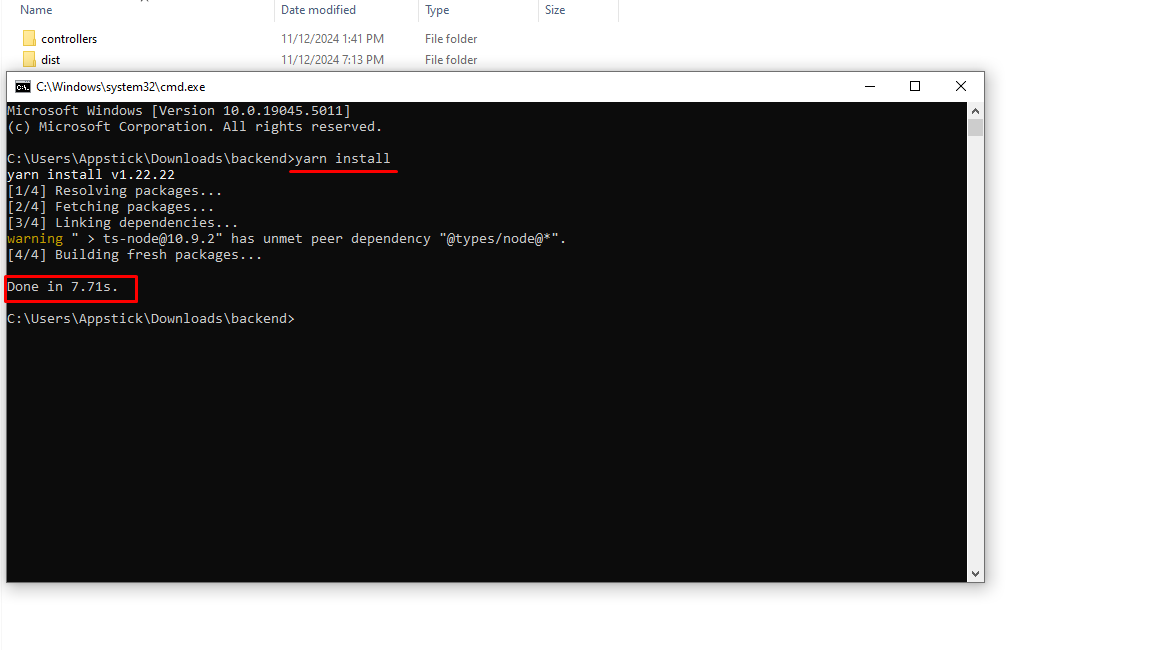
First you need to navigate to the backend project folder, then open the terminal and run:
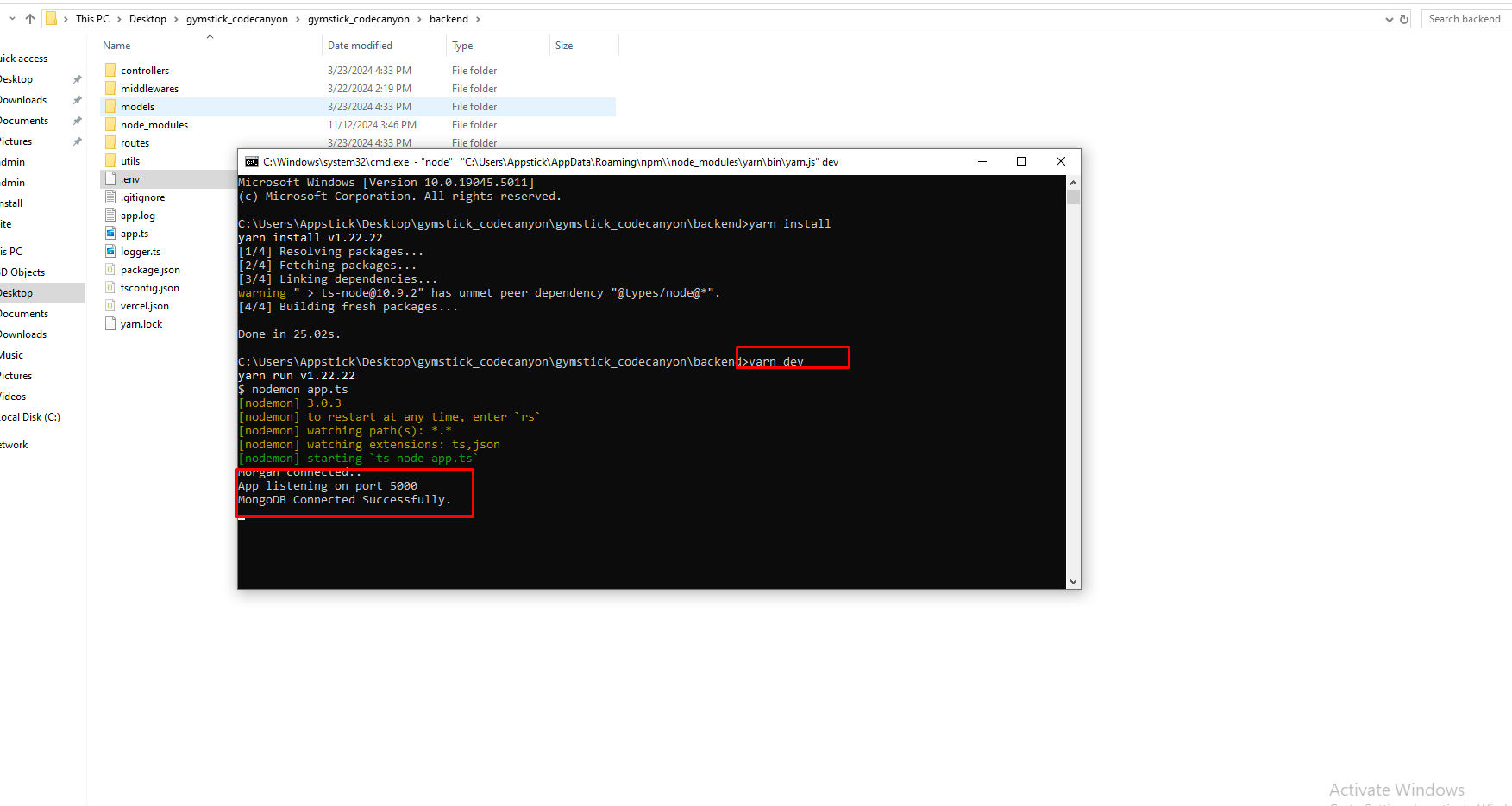
yarn install
Step 2:
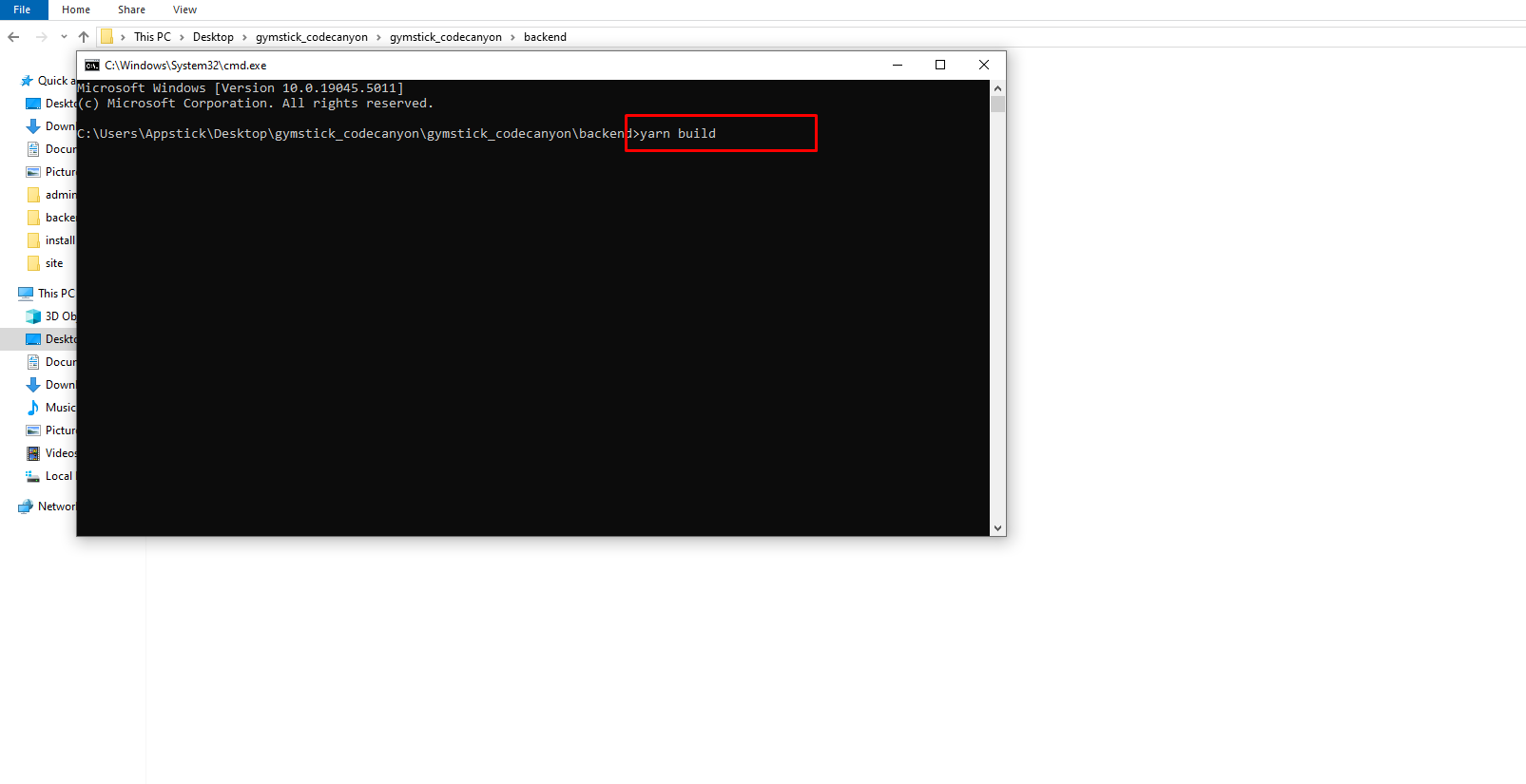
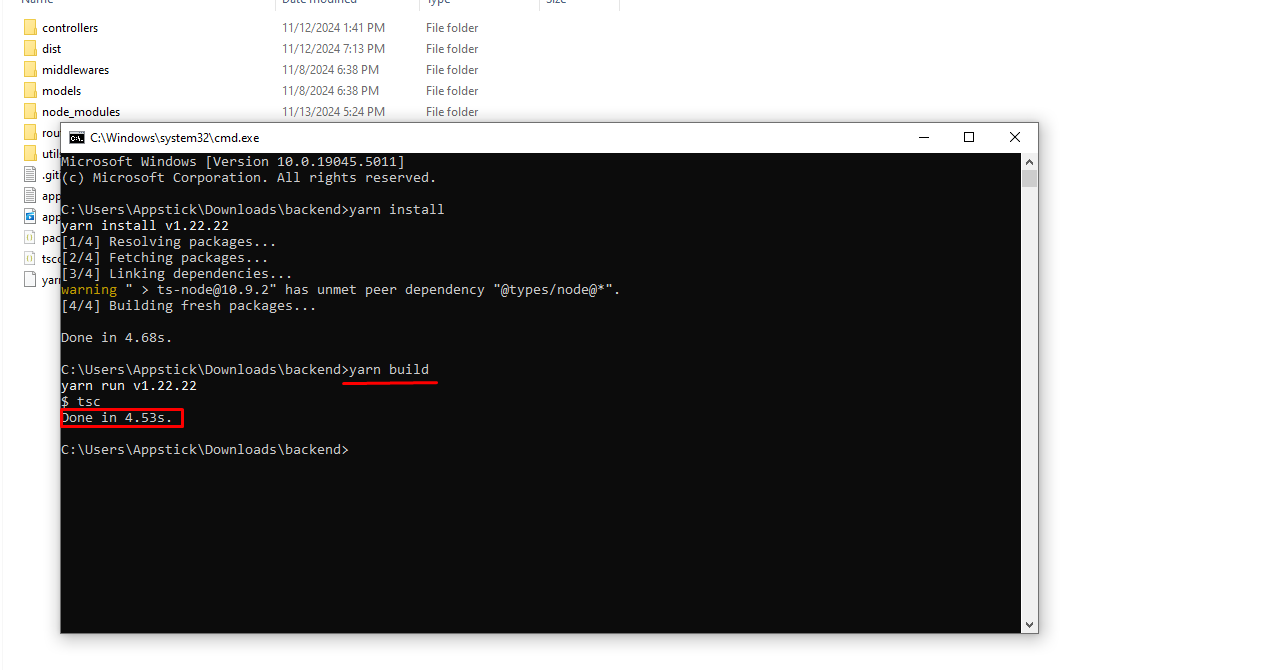
Now, build the project by running the following command:
yarn build
Step 3:
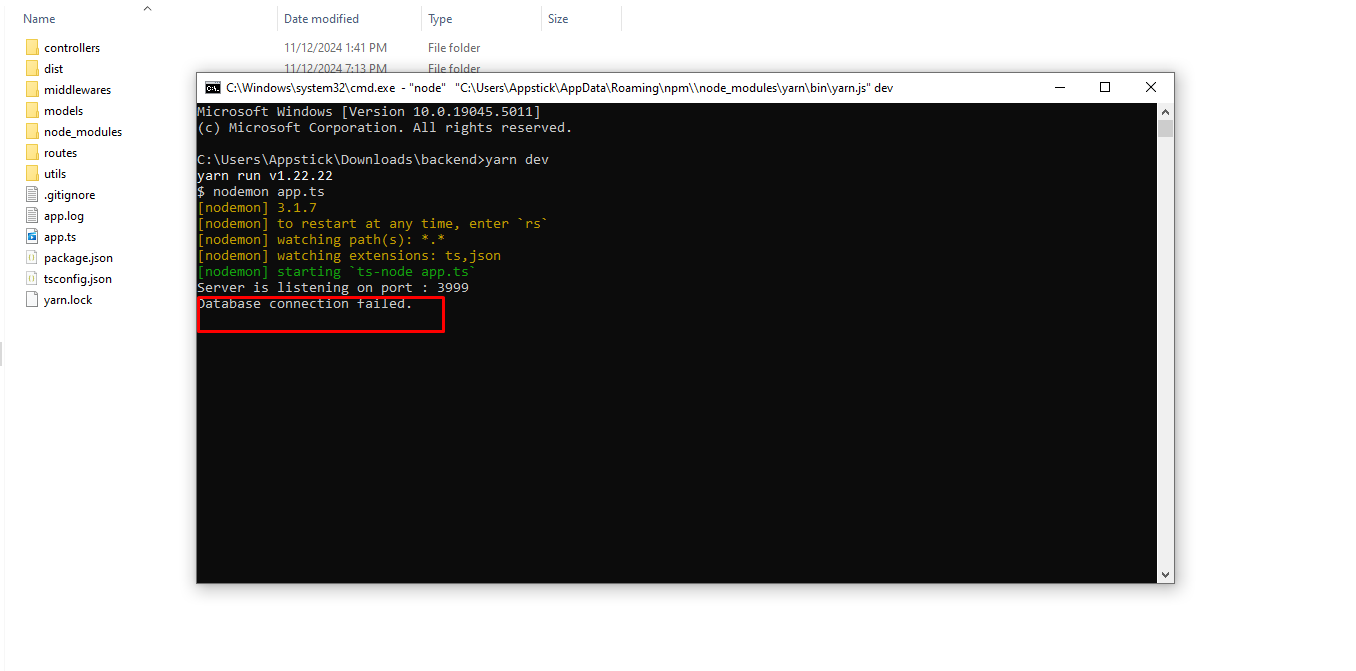
Finally, start the backend server locally with:
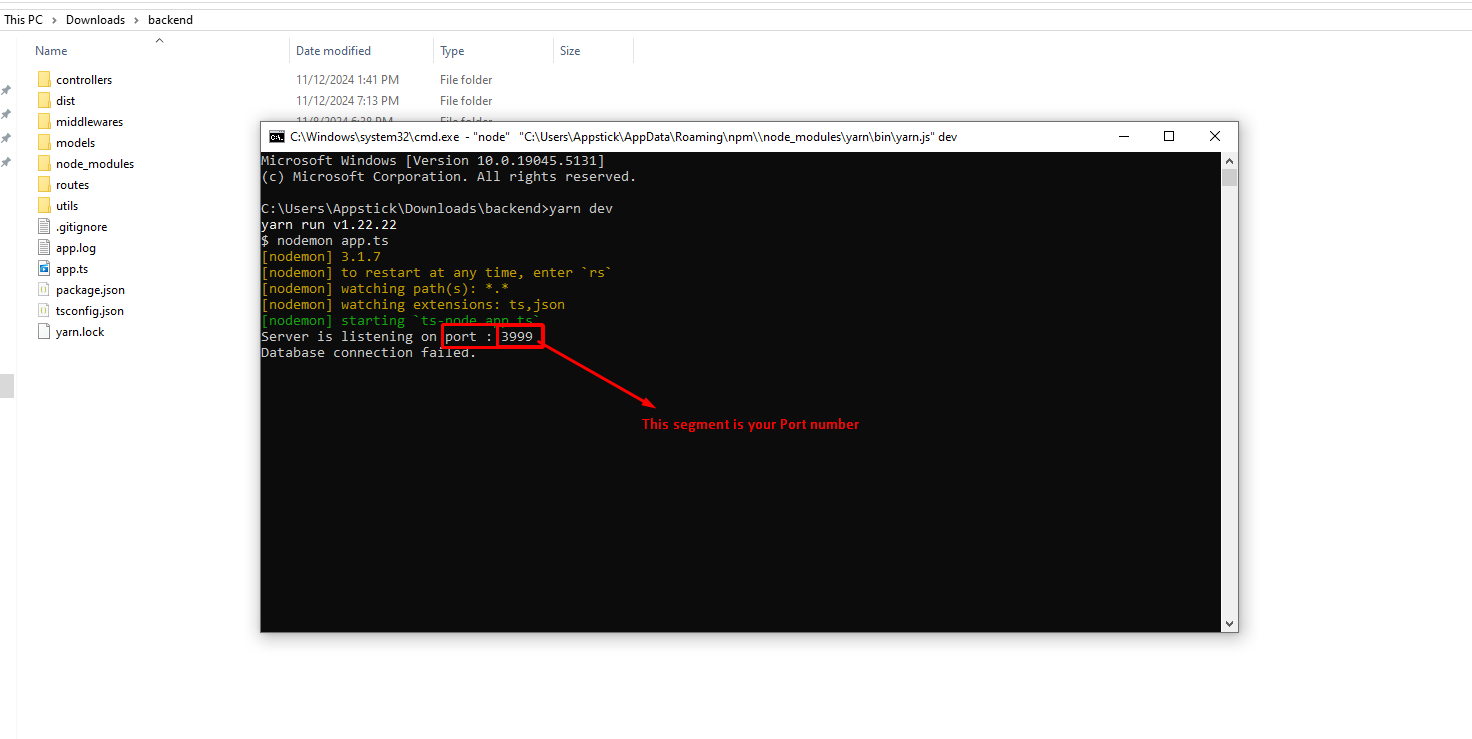
yarn dev
Initially, it will show Database connection failed after you successfully set up your frontend, the .env file will be automatically created, and it will show Database connection successfully.
Now your backend is running locally. You can access it via localhost:port.