# Installation Process
System Requirements
To setup this project, you need to make sure that your hosting server supports node.js
Follow these steps to set up your project:
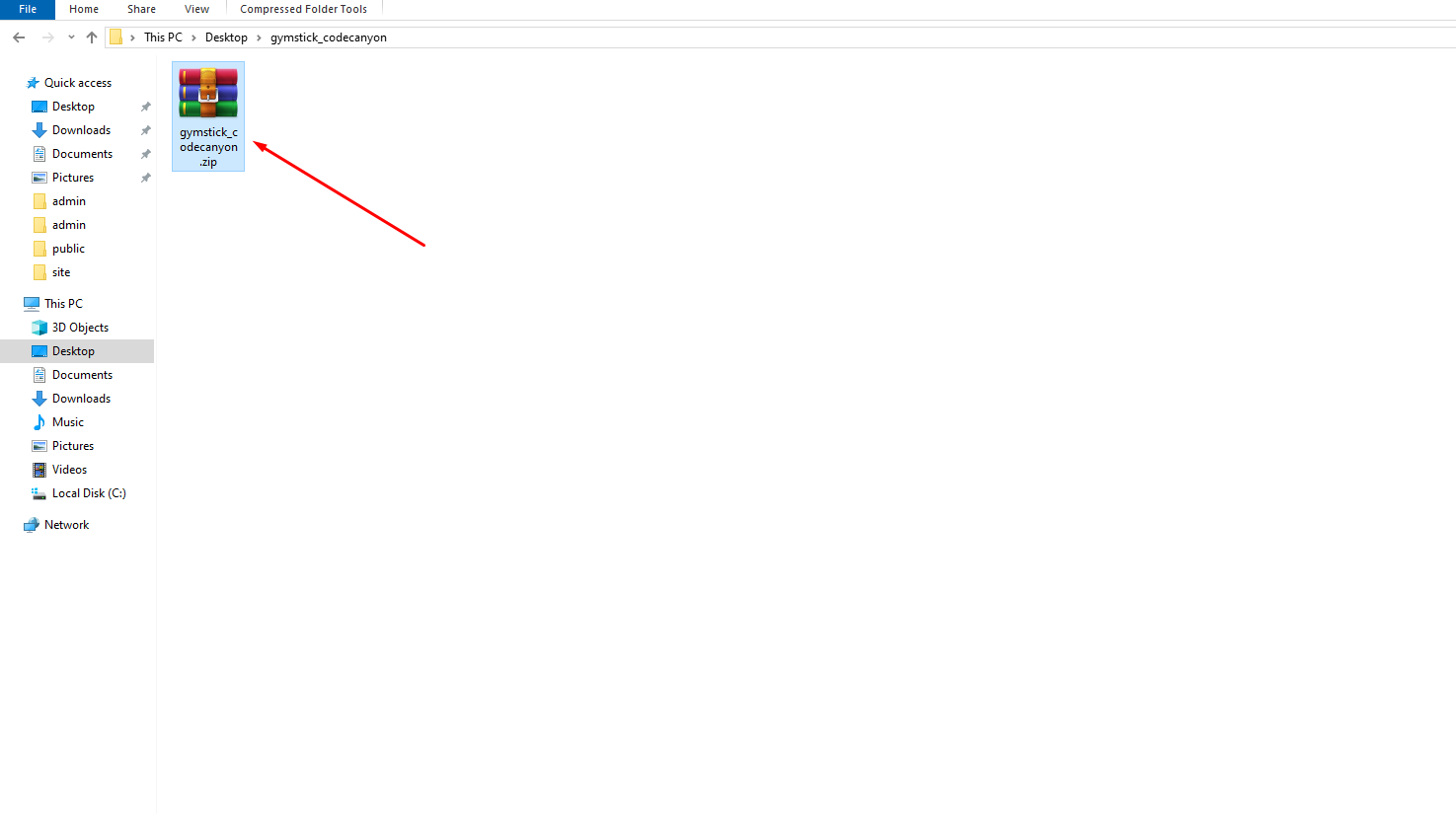
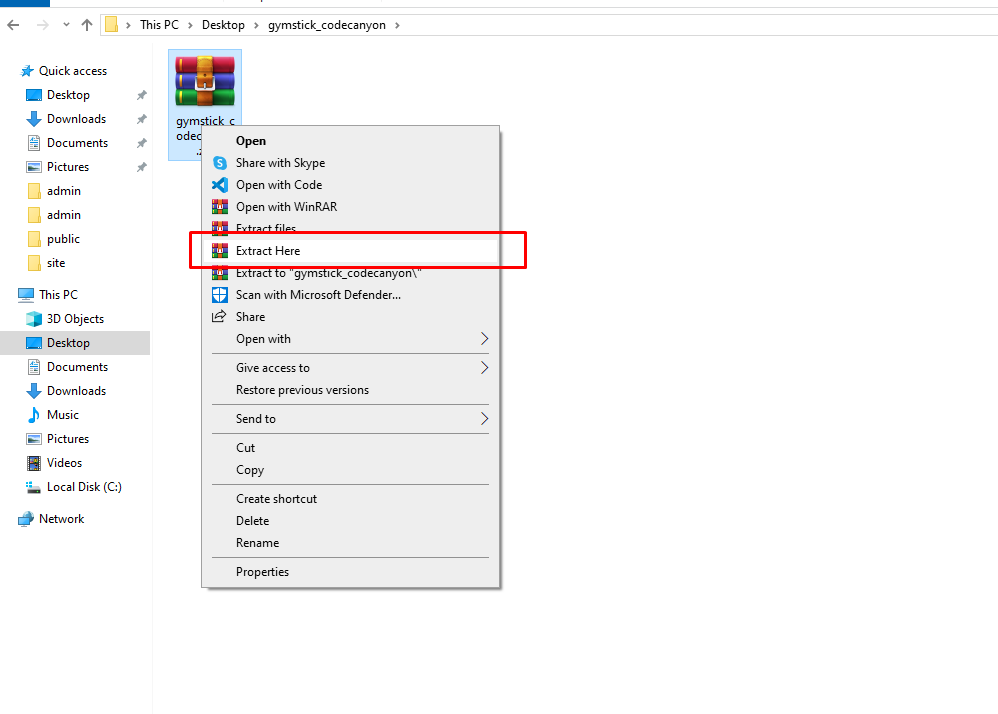
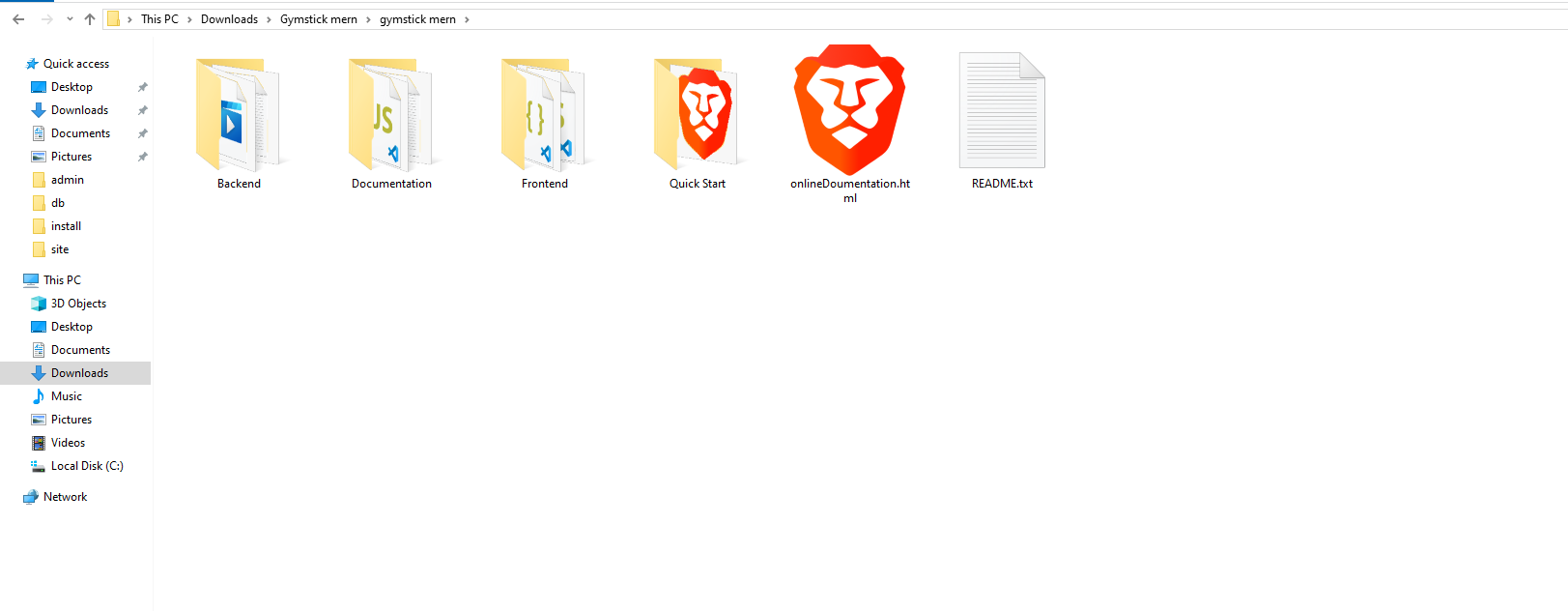
- 1. If NodeJs is not installed, then follow this step to install NodeJs: Official Page
- 2. After successfully installed, check NodeJs version. Open your command line interface and enter the following command: node --version
- 3. If yarn is not installed, then use the following command to install yarn: npm i -g yarn
- 4. Check yarn version, Open your command line interface and enter the following command: yarn --version
Now you need to follow the below instructions .