# Group
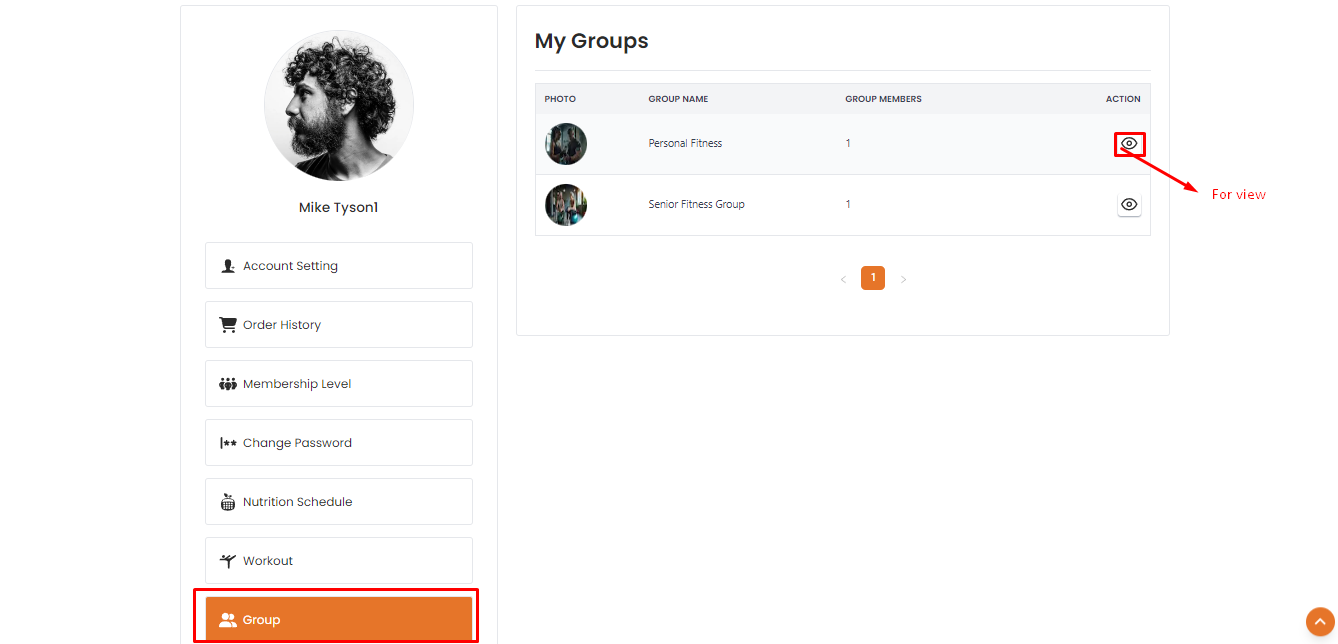
The "Group" section allows users to see all groups that user has joined.To join a group, users need to purchase a membership plan.By clicking on the "View" action button user will be able to see the group members # Here is how to see all group member and trainer !
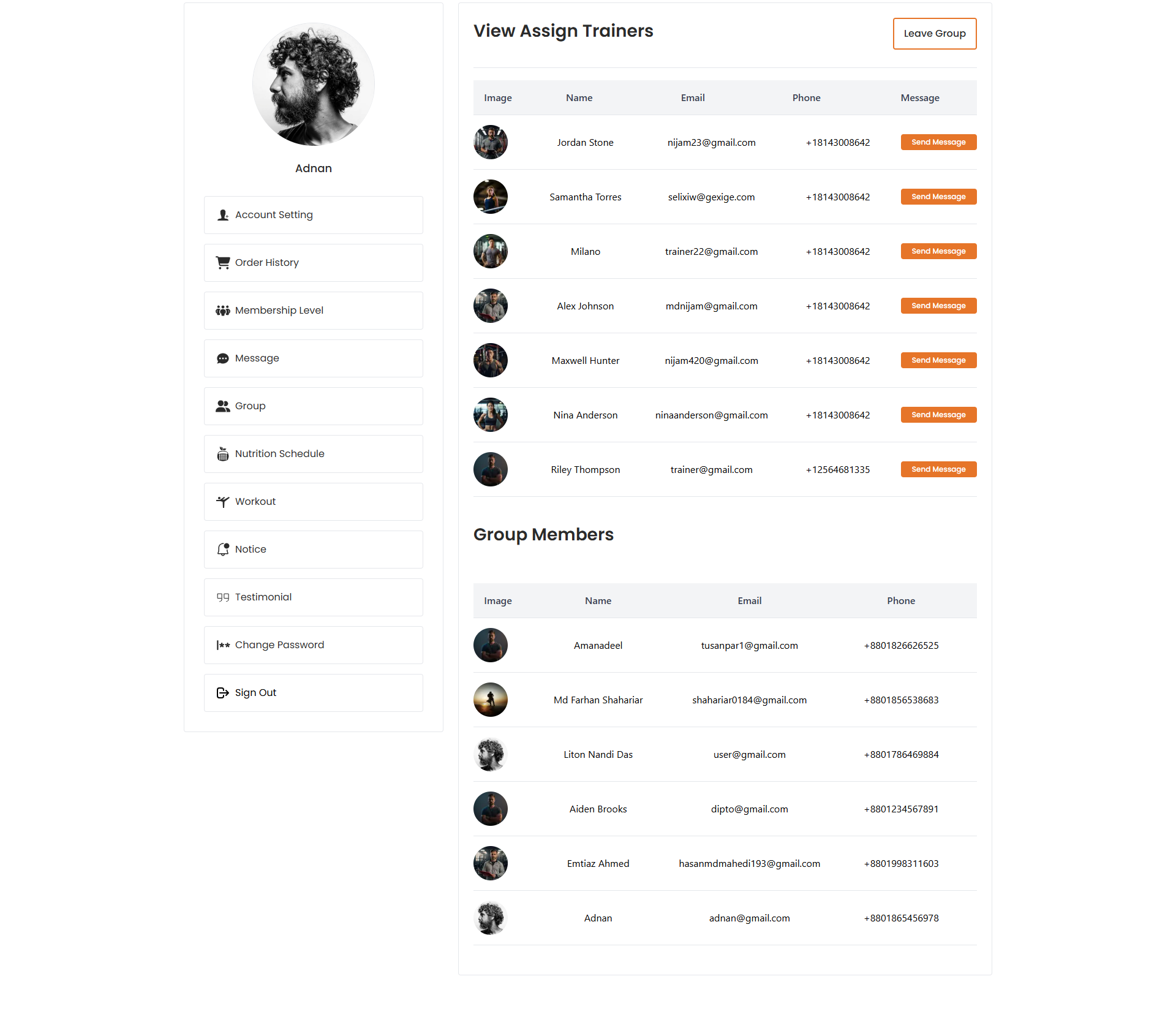
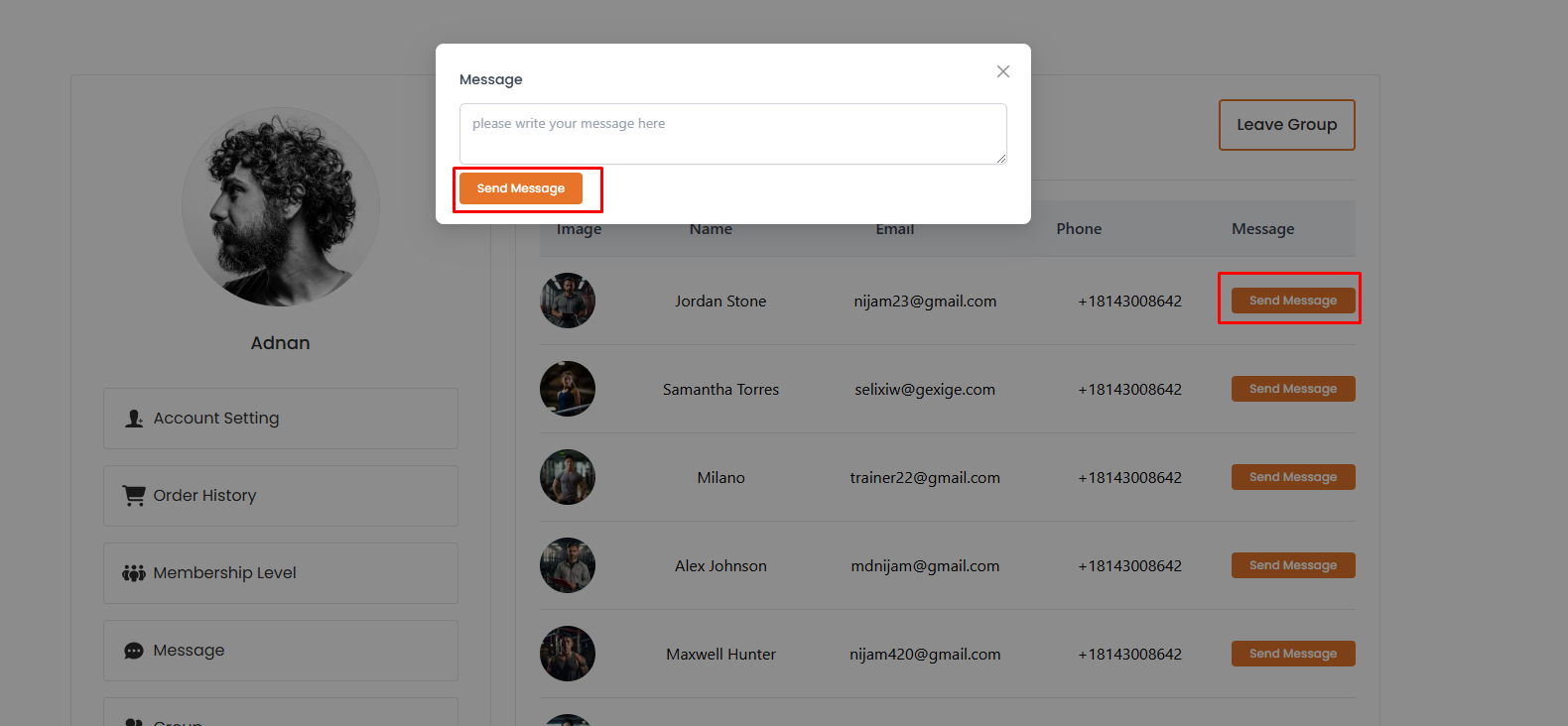
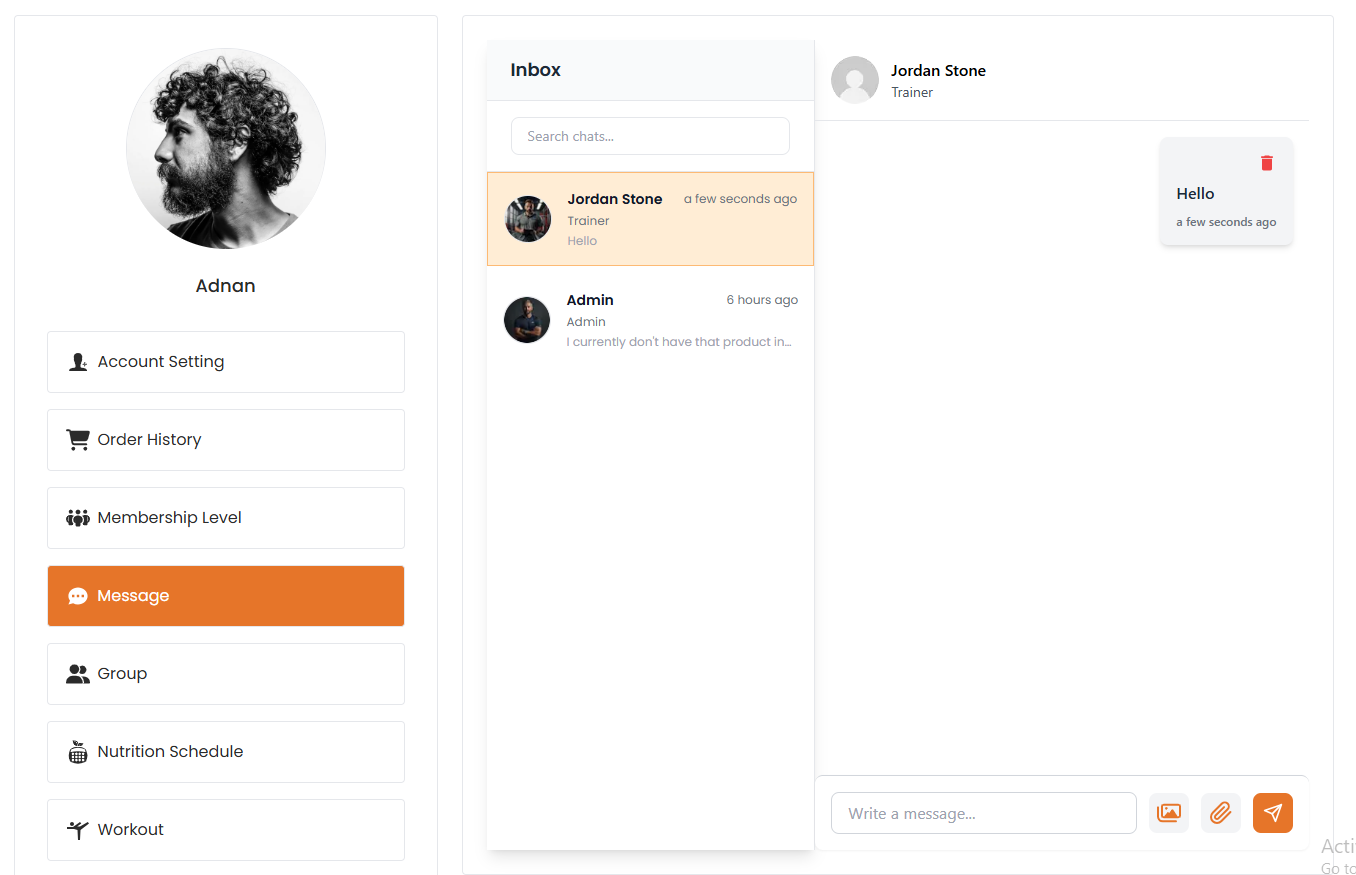
After clicking on group "view" action button user will be able to see the group members and trainer.User will be able to message the trainer by clicking on the "send Message" button.After sending the message user will redireact to the message page where user will be able to message the trainer. # Here is how to leave a group !
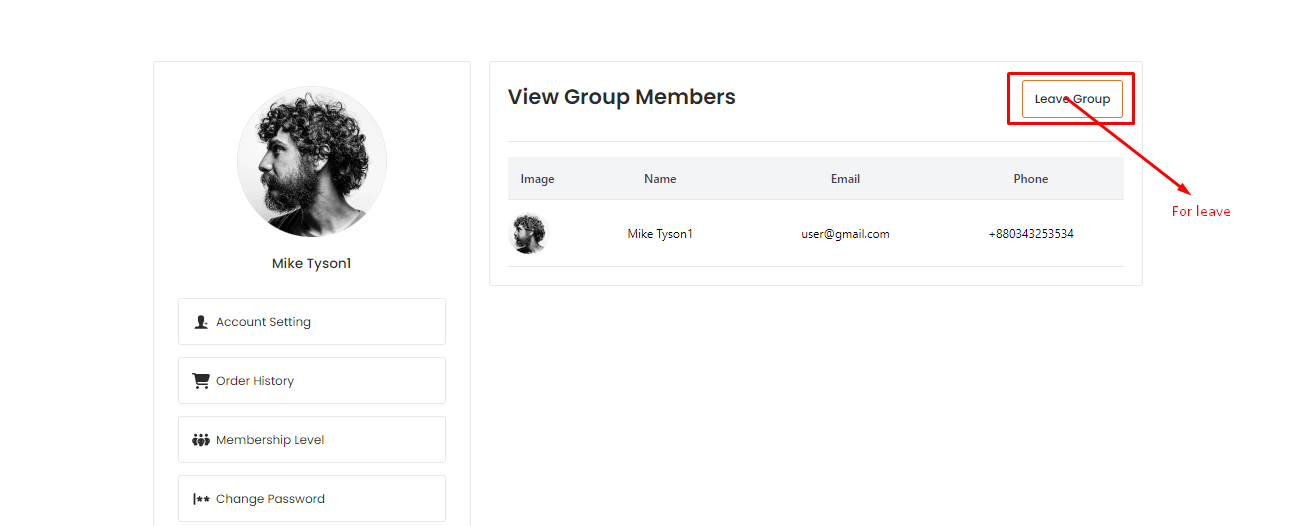
After clicking on group "view" action button user will be able to see the group membersTop right corner of the page user will see the "leave Group" button by clicking on the button user will be able to leave the group.