Roles and permissions
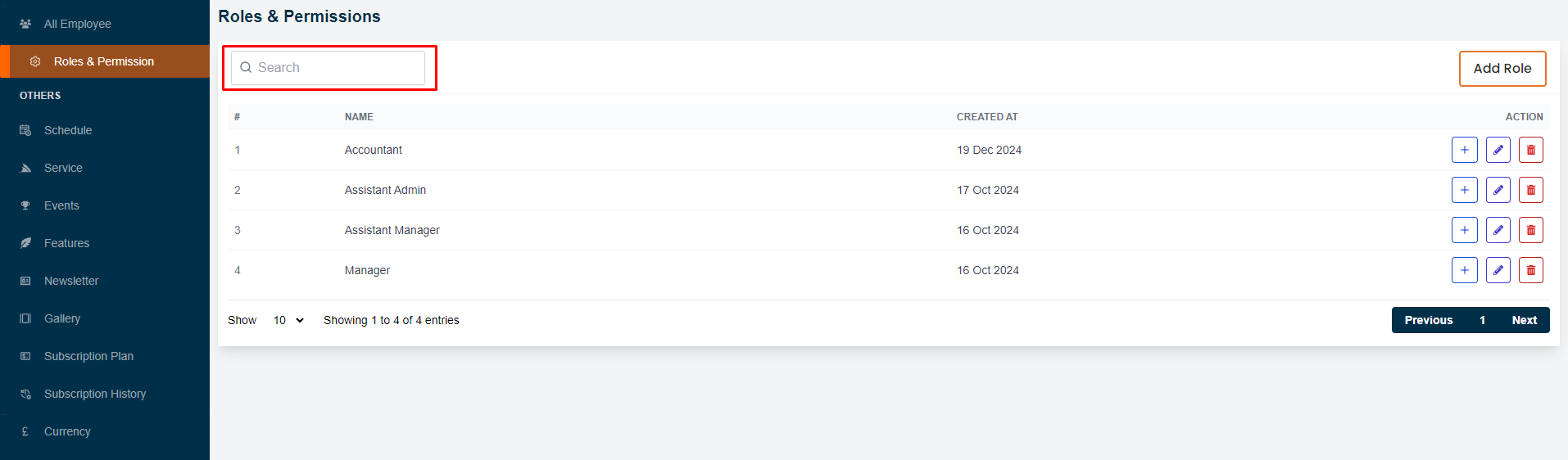
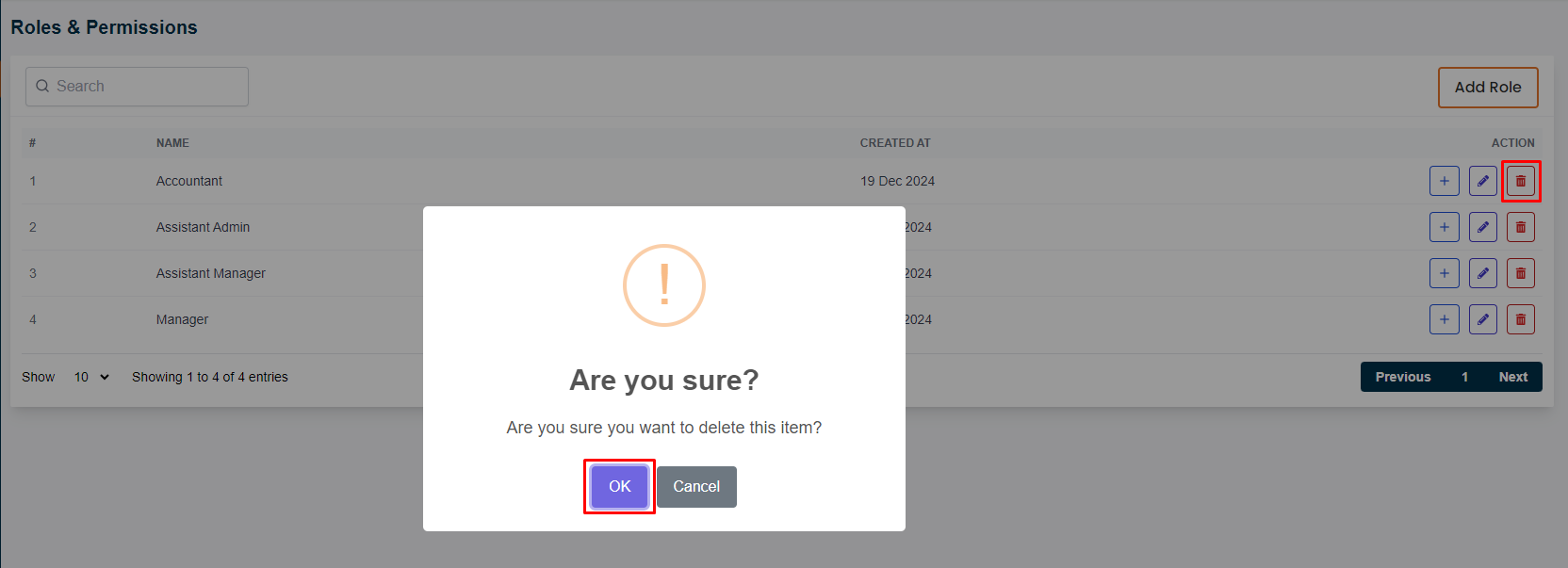
In this section, the admin will be able to view the list of roles and permissions.The admin can search for a specific role or permission by using the "search" bar.# Here is how to add a new role!
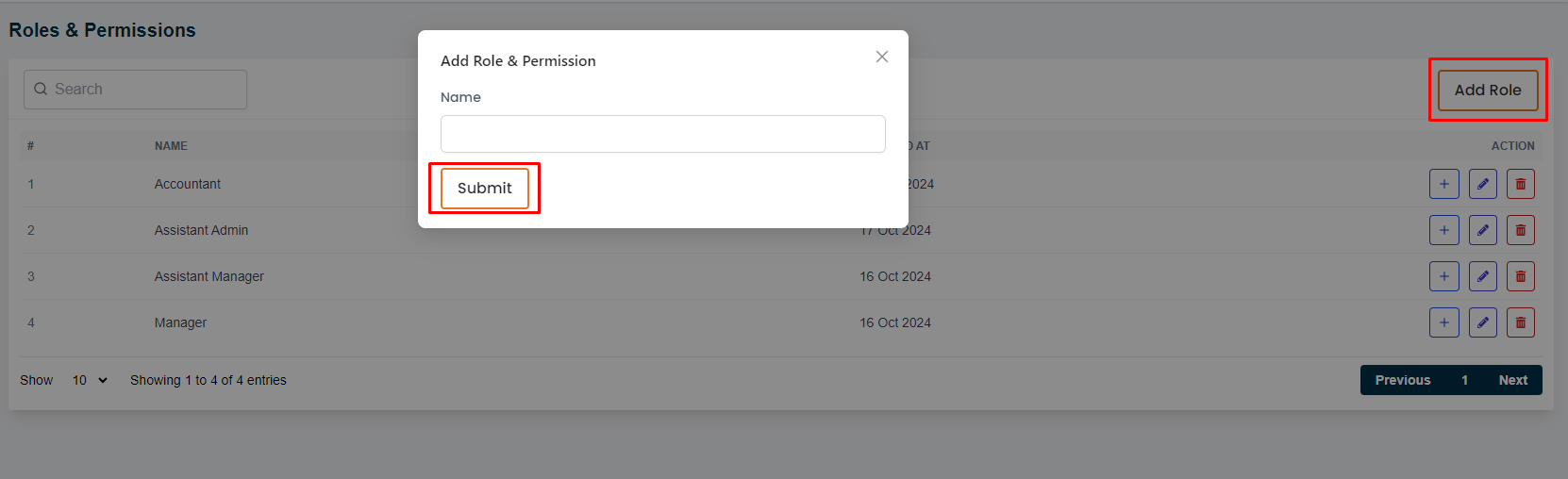
The admin can add a new role by clicking the "Add Role" button.A form will apper in a modal where the admin can fill up all required information to add a new role.# Here is how to give permissions to a role!
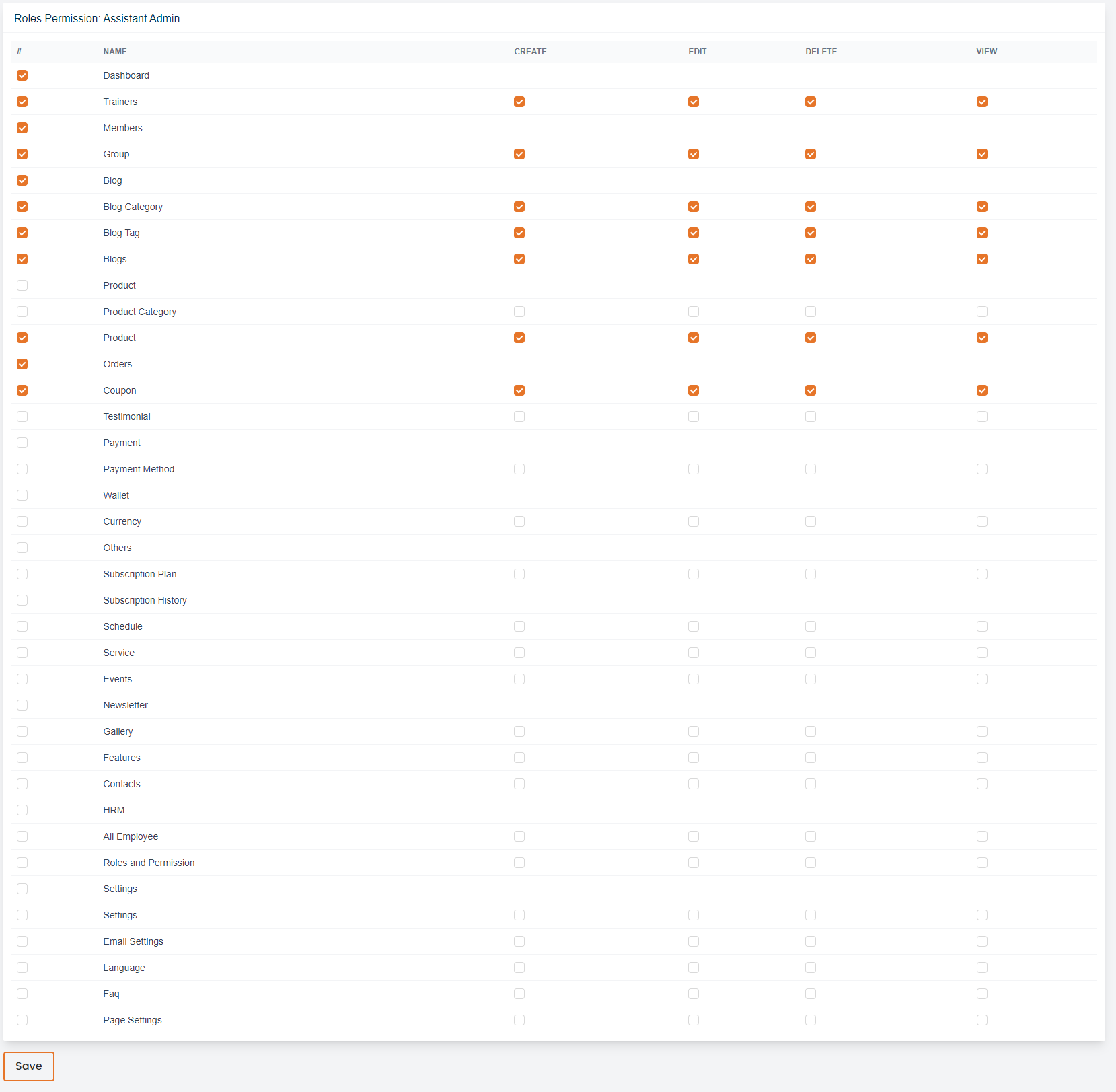
The admin can give permissions to a role by clicking the "Plus" action button.A page will appear where the admin can give permissions to a role.# Here is how to edit a role!
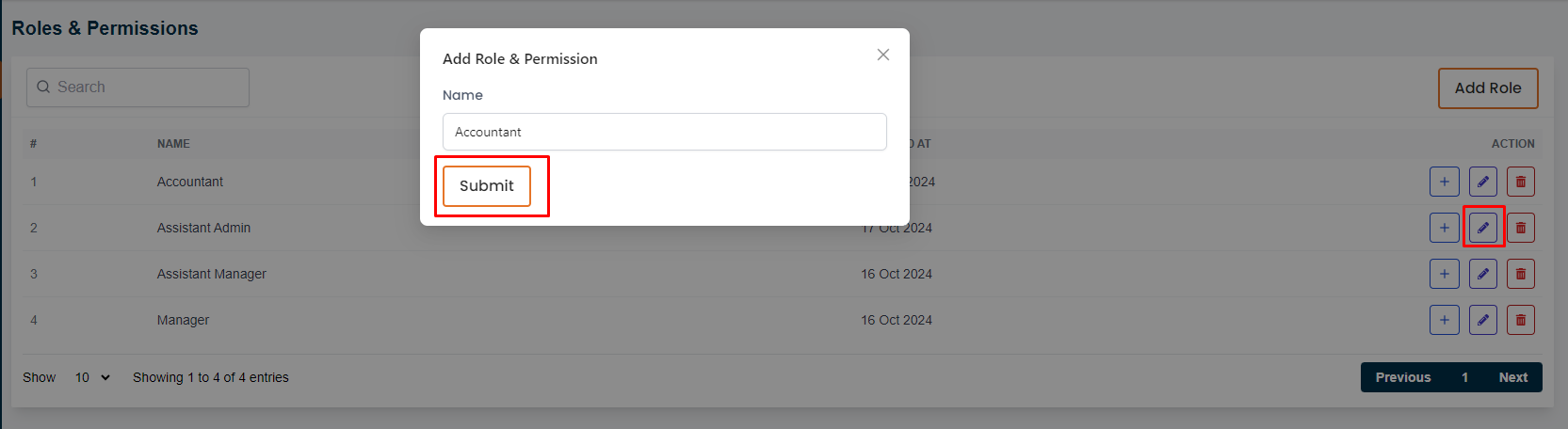
The admin can edit a role by clicking the "Edit" action button.A form will appear in a modal where the admin can edit information for a role.# Here is how to delete a role!
The admin can delete a role by clicking the "Delete" action button.