# Admin Dashboard
Gymstick Dashboard Overview
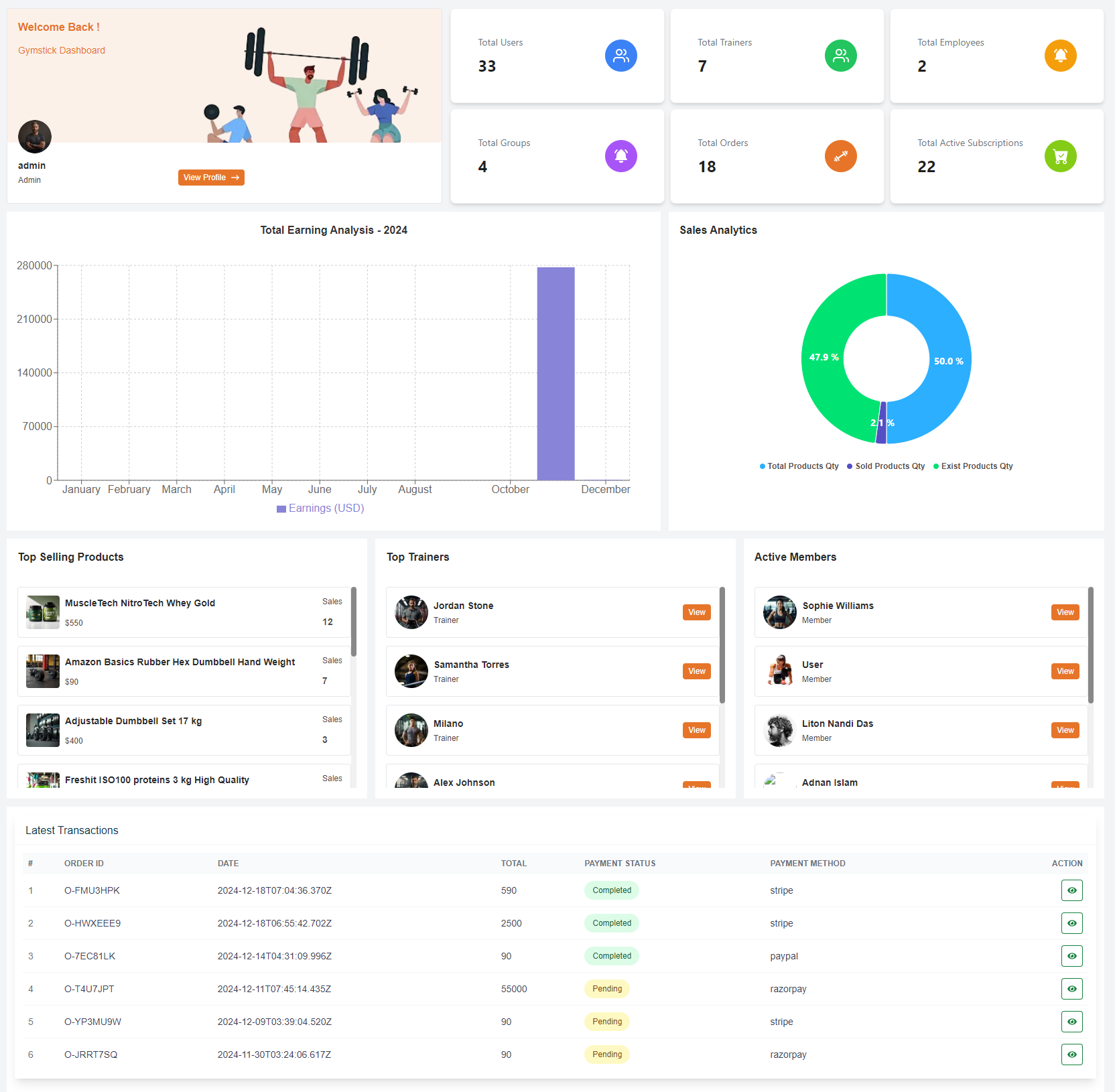
The admin dashboard is the central hub for administrators after a successful login. It provides a comprehensive overview of key metrics and statistics essential for managing the platform effectively.
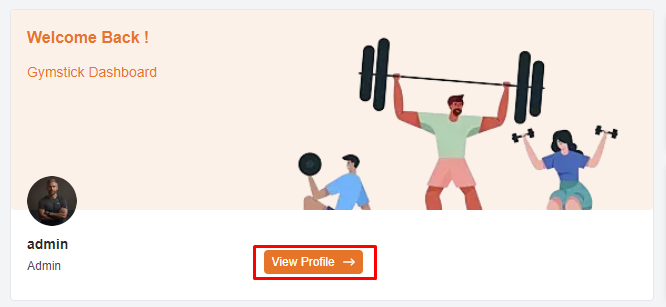
- Displays a personalized welcome message for the admin
- Shows the admin profile picture, name, and role. Includes a "View Profile" button for accessing profile details.
1. Welcome Section
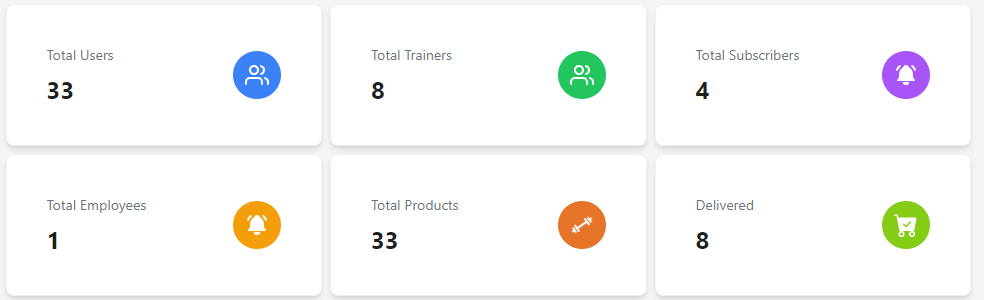
- Displays the total number of registered member on the platform.
- Shows the total number of trainers available within the system.
- displays the total number of subscriber on the platform.
- Indicates the total number of employees work on the platform.
- Shows the total number of Products on the platform.
- Displays the total number of Delivered Products on the platform.
2. Total static Metrics
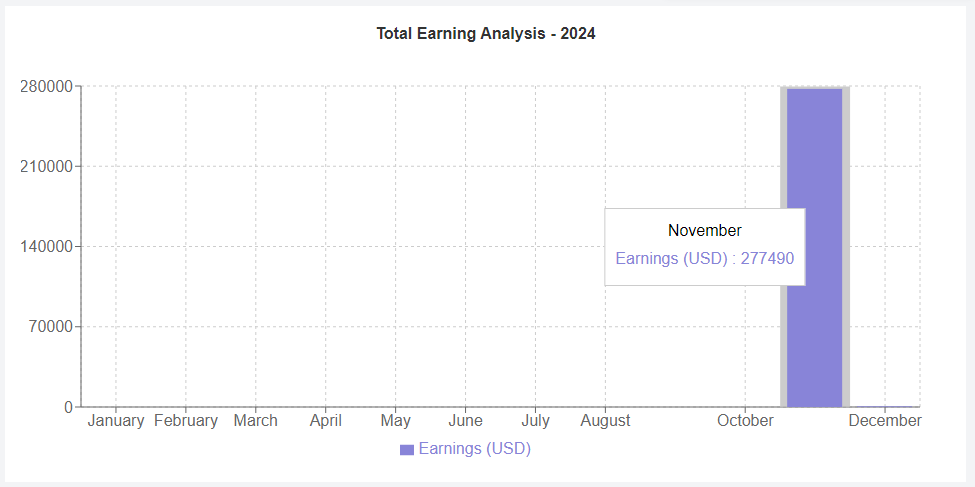
- Shows the earnings for the current month and compares it to the previous period.
- Provides more detailed earnings information.
- You can see all month earning by clicking drop down.
3. Earnings
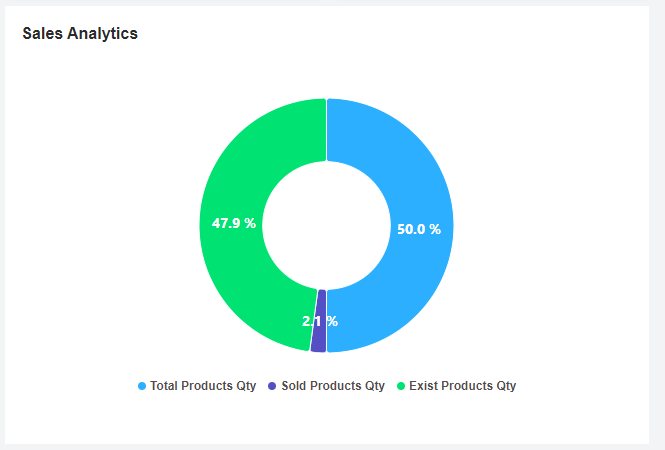
- Displays the distribution of total product quantity, sold product quantity, and existing product quantity.
4. Sales Analytics
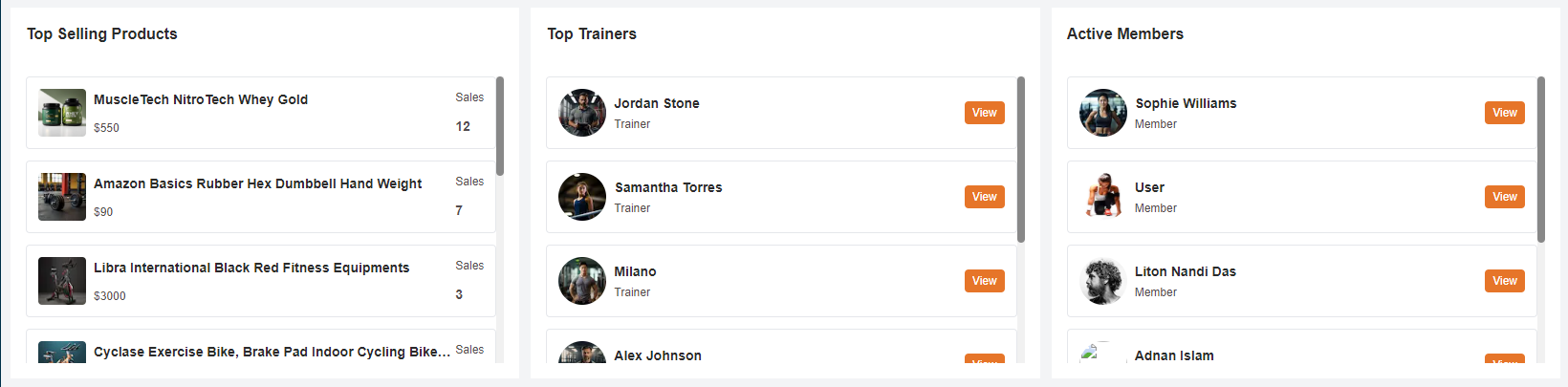
- In this section, admin can see all top products .
- In this section, admin can see all top trainers .
- In this section, admin can see all active members .
5. Key Metrics of product , trainer and member
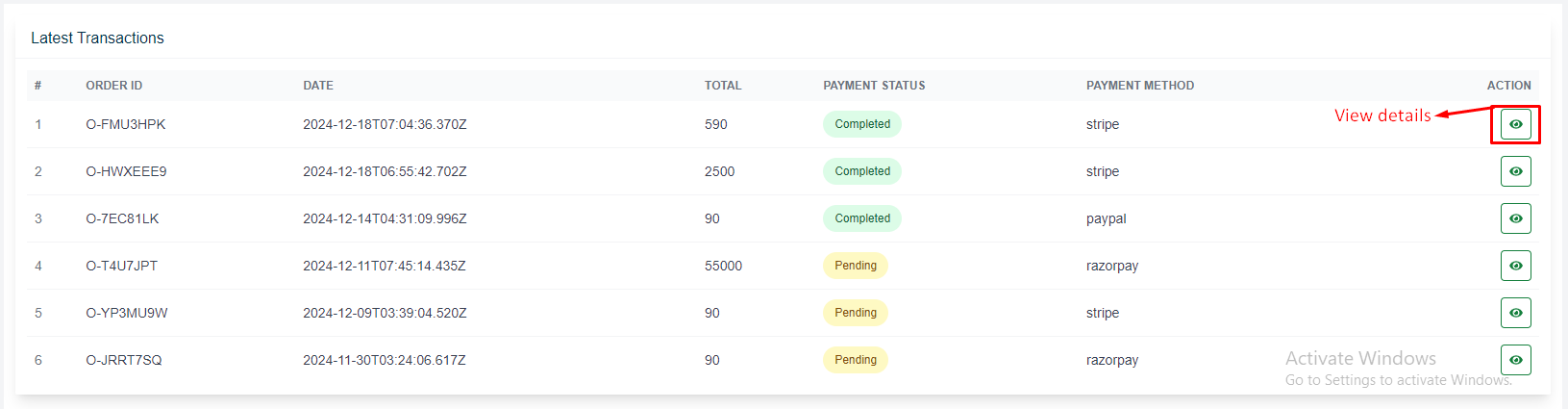
- Lists recent transactions with key details including Order ID, Date, Total, Payment Status, and Payment Method.
- Each transaction includes an action button to view more details or take specific actions related to the transaction.
- clicking on view action button you can see transaction details
6. Latest Transactions